Why do modern offices replace paper visitor books with digital check-in?
The practical reasons the clipboard is disappearing from professional lobbies.
Modern offices switch because a tablet makes a stronger first impression than a coffee-stained book, automatic host alerts free the receptionist from playing switchboard, and digital logs become searchable data on visitor volume and busy hours. Entries also stay legible and backed up, so pages never go missing or become unreadable.
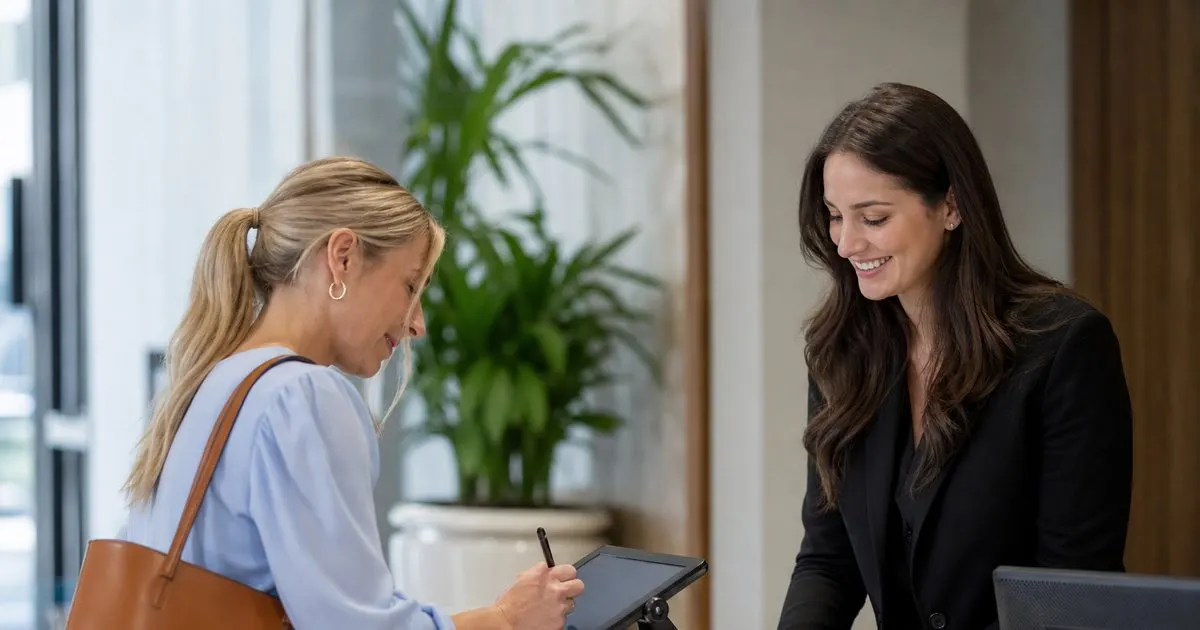
First impressions matter
A visitor forms an opinion of your company in the first thirty seconds. A sleek tablet says organized and current, while a coffee-stained book says the opposite. Related: How does a tablet visitor sign-in system improve front desk security?
The check-in experience sets the tone for the meeting that follows, so it is worth getting right.
Keep reading: How does a tablet visitor sign-in system improve front desk security?, What information should a visitor management log capture for compliance audits?, When should your office print visitor badges instead of using handwritten stickers?. See how LobbySignr helps you visitor lobby sign-in and host notifications.
Speed at the desk
Digital check-in notifies the host automatically, which means the receptionist no longer plays switchboard operator. Guests wait less and staff interruptions drop. Related: How can host notifications reduce lobby wait times for arriving business guests?
That reclaimed time adds up across a busy week of arrivals.
Data you can actually use
A paper book is a dead end, but a digital log becomes searchable data you can report on. You can see visitor volume, busy hours, and frequent guests. Related: Which visitor data privacy rules apply to small business front desks in the US?
Those insights help you staff the front desk and plan for peak times. Related: When should your office print visitor badges instead of using handwritten stickers?
Fewer errors and lost pages
Handwriting is hard to read and pages go missing. Digital entries stay legible and safe, backed up automatically.
You never again squint at a scrawled name or discover a torn-out page.
- A tablet makes a stronger first impression than a clipboard
- Automatic host alerts free up the front desk
- Digital logs turn sign-ins into usable data
- Legible, backed-up entries beat lost paper pages

Julien Jimenez
Julien Jimenez is an independent software builder based in Paris. He designs, ships, and operates focused SaaS products for small businesses and independent professionals. Read the full author page.
Frequently asked questions
How does digital check-in speed up the front desk?
It notifies the host automatically, so the receptionist no longer calls around to find them. Guests wait less and staff face fewer interruptions, and that reclaimed time adds up over a busy week.
What can you learn from digital visitor data?
A searchable log reveals visitor volume, busy hours, and frequent guests. Those insights help you staff the front desk appropriately and plan for peak arrival times.
Welcome Every Visitor With Confidence
Visitor lobby sign-in and host notifications. LobbySignr is built to help you put this into practice.
Start free trialMore from the LobbySignr blog


Get the LobbySignr playbook
Practical guides on visitor management, straight to your inbox as we publish them. No spam, unsubscribe any time.