How does a tablet visitor sign-in system improve front desk security?
A closer look at why digital check-in beats the clipboard for keeping your building and your data secure.
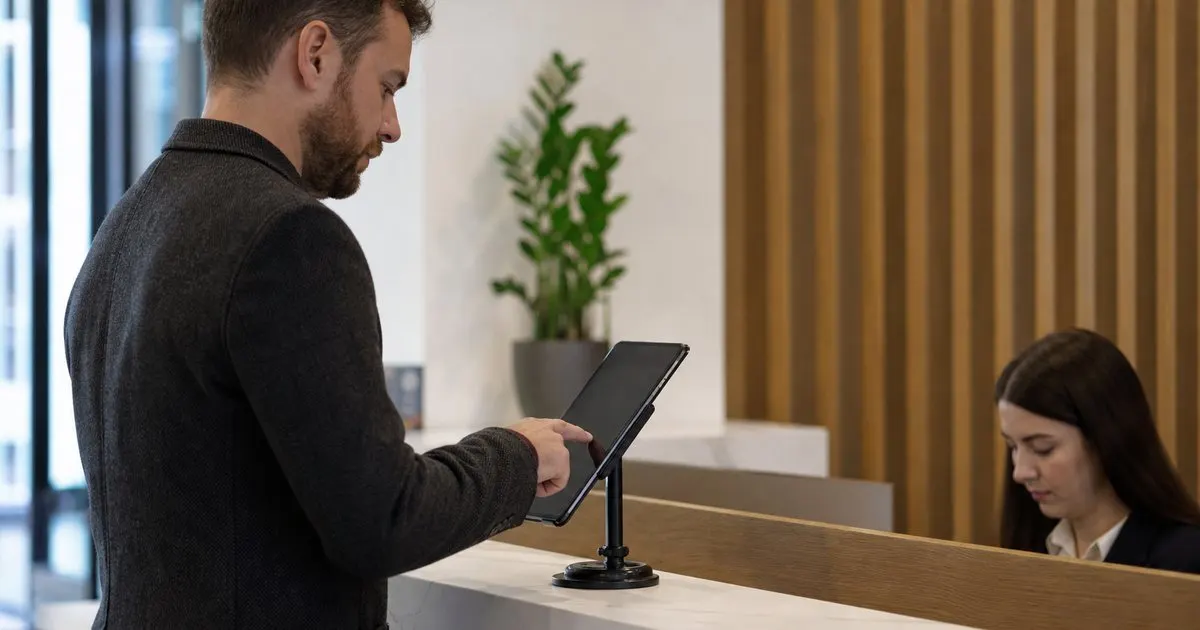
A tablet shows each guest only their own blank form, so no visitor sees another guest details the way a shared paper book allows. It keeps a live roster of everyone on site, prints photo badges that make unauthorized people obvious, and stores a searchable log you can filter by date or host.
The privacy problem with paper
A shared sign-in book lets every visitor read the names, companies, and arrival times of everyone before them. That exposure is a quiet privacy risk that most offices never think about until it becomes a problem. Related: Why do modern offices replace paper visitor books with digital check-in?
A tablet shows each guest only their own blank form, so one visitor never sees another visitor details. The record stays private and visible only to the staff you choose.
Keep reading: What information should a visitor management log capture for compliance audits?, Why do modern offices replace paper visitor books with digital check-in?, When should your office print visitor badges instead of using handwritten stickers?. See how LobbySignr helps you visitor lobby sign-in and host notifications.
Knowing who is in the building
Security starts with knowing who is on site right now. A digital system keeps a live list of everyone signed in, which a paper book scattered across pages simply cannot provide. Related: What should a receptionist do when a visitor matches an internal watchlist at check-in?
If something goes wrong, you can pull that list in seconds rather than flipping through handwriting. That speed matters most in the moments when it counts.
Verifying and badging guests
Printing a badge with the visitor name and a photo makes it obvious at a glance who belongs and who wandered in. Staff can spot an unbadged person without confrontation. Related: When should your office print visitor badges instead of using handwritten stickers?
Capturing a photo at check-in also adds a light layer of accountability, since guests know their arrival is on record.
A searchable trail for later
When a question comes up about who visited last month, a searchable log answers it instantly. You filter by date or host instead of hunting through paper.
That trail supports audits, investigations, and simple curiosity, all without asking anyone to decipher old handwriting. Related: What information should a visitor management log capture for compliance audits?
- Tablets keep each visitor data private from the next guest
- A live roster shows exactly who is on site
- Photo badges make unauthorized visitors easy to spot
- A searchable log answers who-was-here questions fast

Julien Jimenez
Julien Jimenez is an independent software builder based in Paris. He designs, ships, and operates focused SaaS products for small businesses and independent professionals. Read the full author page.
Frequently asked questions
Why is a paper sign-in book a privacy risk?
A shared book lets every visitor read the names, companies, and arrival times of everyone before them. That quiet exposure is a risk most offices overlook until it becomes a problem.
How does a live roster help in an emergency?
It shows exactly who is signed in and still on site, so you can pull the list in seconds rather than flipping through scattered handwritten pages when it matters most.
Welcome Every Visitor With Confidence
Visitor lobby sign-in and host notifications. LobbySignr is built to help you put this into practice.
Start free trialMore from the LobbySignr blog



Get the LobbySignr playbook
Practical guides on visitor management, straight to your inbox as we publish them. No spam, unsubscribe any time.