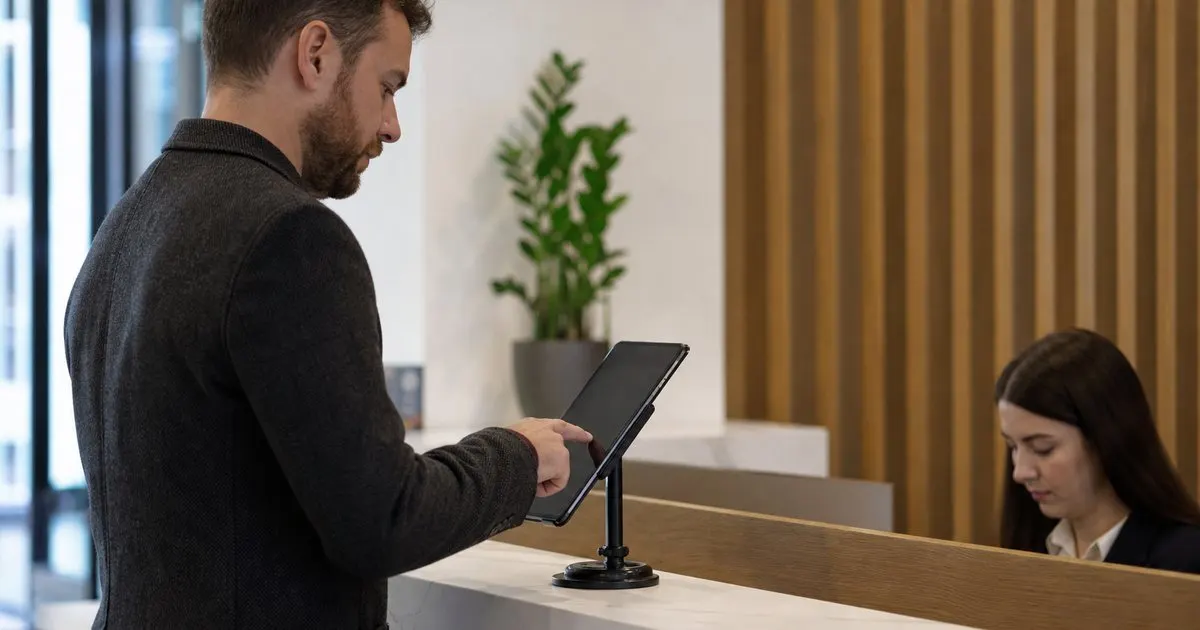
How does a tablet visitor sign-in system improve front desk security?
A closer look at why digital check-in beats the clipboard for keeping your building and your data secure.
Visitors sign in on a tablet, hosts get notified instantly, badges print on demand, and every arrival lands in a searchable log.
No credit card required to start. Cancel anytime.
Full occupancy and next year's budget. September brings full offices, vendor visits, and the first drafts of next year's budget. Compare the paper book, a tablet form, and a full kiosk before the numbers are locked.
Compare visitor sign-in optionsFor growing teams that need badges and text alerts. Up to three kiosks, Text and email alerts, Badge printing.
A clipboard at the front desk leaves visitor names exposed to everyone who signs in next, and it never tells the host that a guest has arrived. People wait in the lobby while a receptionist hunts for the right contact.
When an auditor or a fire marshal asks who was in the building last Tuesday, a stack of paper pages is nearly impossible to search. You need a record that is private, fast, and always current.
LobbySignr stays focused and does this one job extremely well.
Visitors tap through a short form on a tablet at the entrance, so the front desk stays free for real conversations instead of paperwork.
The moment a guest signs in, their host gets a text and email with the visitor name and purpose, so nobody waits in the lobby.
Print a clean visitor badge with a name and photo through a connected label printer, making it easy for staff to spot guests.
Every arrival and departure is stored in one place you can filter by date, host, or company for security reviews and audits.
Ask for the details that matter to you, such as company, vehicle plate, or a safety acknowledgment, and skip the rest.
Pull a live list of everyone currently signed in during a drill or an emergency, so your team can account for guests fast.
Three steps from sign up to real value.
Install the app on a tablet, add your logo, and choose the fields you want visitors to complete when they arrive.
Guests enter their name and host, snap a photo if you want one, and the badge prints while the host is notified.
Review who came and went from a clean dashboard, then export the log any time for compliance or reporting.
Start small and grow when you are ready. No ads, no reselling your data, no surprises.
Every plan includes email support and a 14 day money back guarantee.

I built LobbySignr after watching receptionists juggle paper books and missed phone calls. The goal is a calm front desk where guests feel expected and staff always know who is in the building.
No. Guests sign in on the tablet you provide at the entrance, so there is nothing for them to install.
Yes. On the Office and Campus plans, hosts receive both text and email alerts the moment a guest signs in.
The kiosk keeps accepting sign-ins offline and syncs the records automatically once the connection returns.
Yes. Connect a supported label printer and a badge with the visitor name prints on check-in with Office and Campus plans.
Each visitor sees only their own form, and the full log is visible only to staff you invite to the account.
The Solo plan supports one kiosk, which is a limit worth noting. For several entrances, choose the Office or Campus plan.
Practical guides on visitor management, straight to your inbox as we publish them. No spam, unsubscribe any time.
Visitor lobby sign-in and host notifications. Start today and see the difference in your first week.
Start free trial