What should a receptionist do when a visitor matches an internal watchlist at check-in?
A watchlist alert is only useful if the person at the desk knows how to respond calmly and correctly. Here is a workflow that protects staff without escalating a false match into a scene.

What a watchlist is for, and what it is not
An internal watchlist is a short list of people the organization has decided should not enter, or should not enter without a specific response. Typical entries are former employees who left under bad circumstances, individuals subject to a restraining order involving a staff member, people who have made threats, and in some cases known fraud or theft suspects. The list is a safety tool for the people inside the building. It is not a general screening system, and it should not be treated as a way to keep out anyone a manager finds inconvenient.
Because the list triggers a different response than a normal check-in, it needs an owner, usually someone in HR, security, or the office manager role, who adds and removes entries, records why each entry exists, and reviews the list periodically. An unmaintained list creates two risks: a genuine threat who was never added, and a stale entry that flags someone who no longer has any reason to be on it. Both are failures of process, and the receptionist should not be the one expected to fix them at the desk. Related: Why do modern offices replace paper visitor books with digital check-in?
Keep reading: How does a tablet visitor sign-in system improve front desk security?, What information should a visitor management log capture for compliance audits?, Why do modern offices replace paper visitor books with digital check-in?. See how LobbySignr helps you visitor lobby sign-in and host notifications.
The moment the alert appears
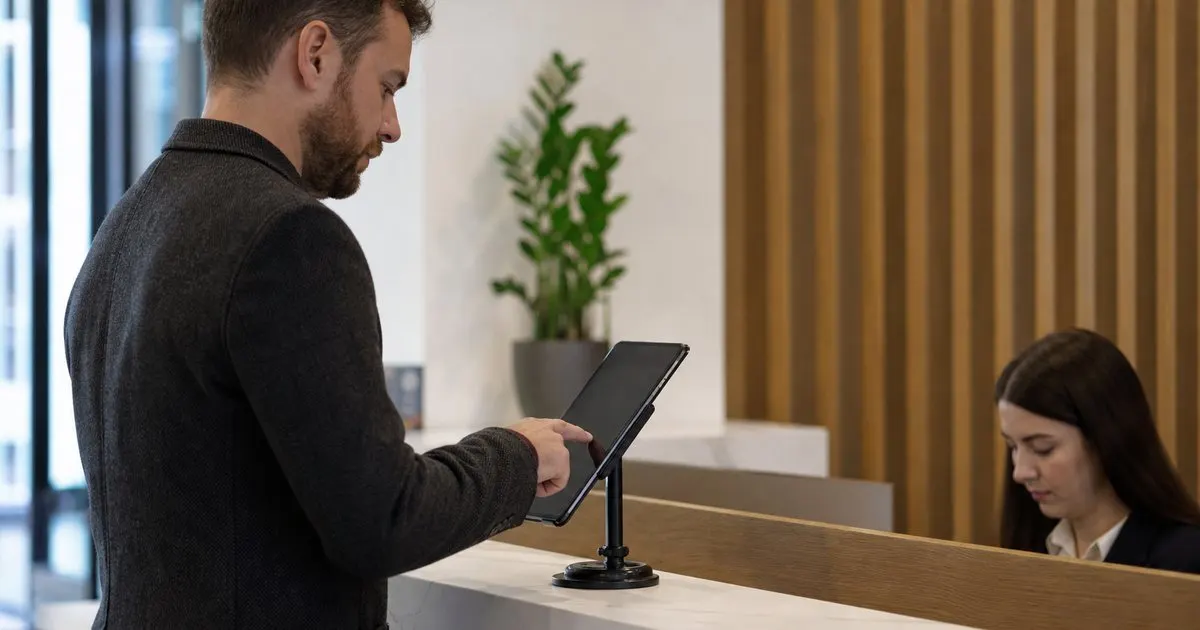
The most important design decision is that the alert goes to the receptionist and to a designated responder, not to the visitor. A kiosk should never display anything to the visitor that suggests they have been flagged. The visitor sees a normal screen, perhaps a message that the desk will be with them shortly, and the receptionist sees the alert on their own device with the entry's notes and the instructed response. The response should be one of a small set of actions that were decided in advance, such as call security, call the listed contact, or ask the visitor to wait while the host is confirmed. Related: When should your office print visitor badges instead of using handwritten stickers?
The receptionist's job at that moment is to stay ordinary. Keep a neutral tone, do not confront, do not announce that a match occurred, and do not attempt to detain anyone. A calm delay, such as saying the host is being contacted, is usually enough to bring the responder to the lobby. If the entry indicates a credible threat and the responder is not immediately available, the instruction should be to prioritize the receptionist's own safety, which may mean stepping away from the desk to a secure area rather than staying in place. Related: How can host notifications reduce lobby wait times for arriving business guests?
Handling false matches gracefully
Name-based watchlists produce false matches, because common names are common. A flag on a name alone should be treated as a prompt to verify, not as confirmation. Verification can be done quietly by comparing the check-in photo to the photo on the entry, if one exists, or by having the responder confirm with the person who created the entry. The visitor should not be asked to prove they are not the flagged person. From their point of view, they simply waited a minute or two longer than usual, which is entirely normal.
Once a false match is cleared, the visit proceeds as normal and the host is notified as usual. It is worth logging the false match so that the list owner can improve the entry, for example by adding a photo, a date of birth, or an employer to distinguish the flagged person from others with the same name. A list that generates frequent false matches erodes the receptionist's trust in it, which is how a real match eventually gets waved through.
Documenting the incident and reviewing the process
When a genuine match occurs and a person is turned away or escorted out, document it while it is fresh: the time, what the person said, who responded, and what happened. This record matters if there is a later dispute, a police report, or a request for a protective order. It should be kept with the same care as any other sensitive HR or security record, not in the general visitor log where a broader group of staff can see it. Keep the incident notes with your HR or security records, and check whether your sign-in system can restrict an entry or attach a note that only designated people can see. If it cannot, a brief reference in the log pointing to the separate record is enough. Related: How does a tablet visitor sign-in system improve front desk security?
After any real incident, review the process with the people involved. Did the alert reach the right person? Did the responder arrive within a reasonable time? Did the receptionist feel safe? Adjust the response instructions if needed. A watchlist is only as good as the response behind it, and the response only improves if the people at the desk are asked how it actually went rather than being told how it should have gone.
- Watchlist alerts should reach the receptionist and a responder silently, never the visitor.
- The receptionist stays neutral, delays calmly, and never confronts or detains anyone.
- Treat a name-only match as a prompt to verify, and log false matches so entries improve.
- Keep incident records separate from the general visitor log and review each real incident.

Julien Jimenez
Julien Jimenez is an independent software builder based in Paris. He designs, ships, and operates focused SaaS products for small businesses and independent professionals. Read the full author page.
Welcome Every Visitor With Confidence
Visitor lobby sign-in and host notifications. LobbySignr is built to help you put this into practice.
Start free trialMore from the LobbySignr blog


Get the LobbySignr playbook
Practical guides on visitor management, straight to your inbox as we publish them. No spam, unsubscribe any time.