How should a multi-tenant office building set up visitor sign-in for its shared lobby?
Shared lobbies serve several companies with different needs and different levels of caution. This is how to design a sign-in setup that works for the building and for each tenant.
Decide who owns the visitor experience
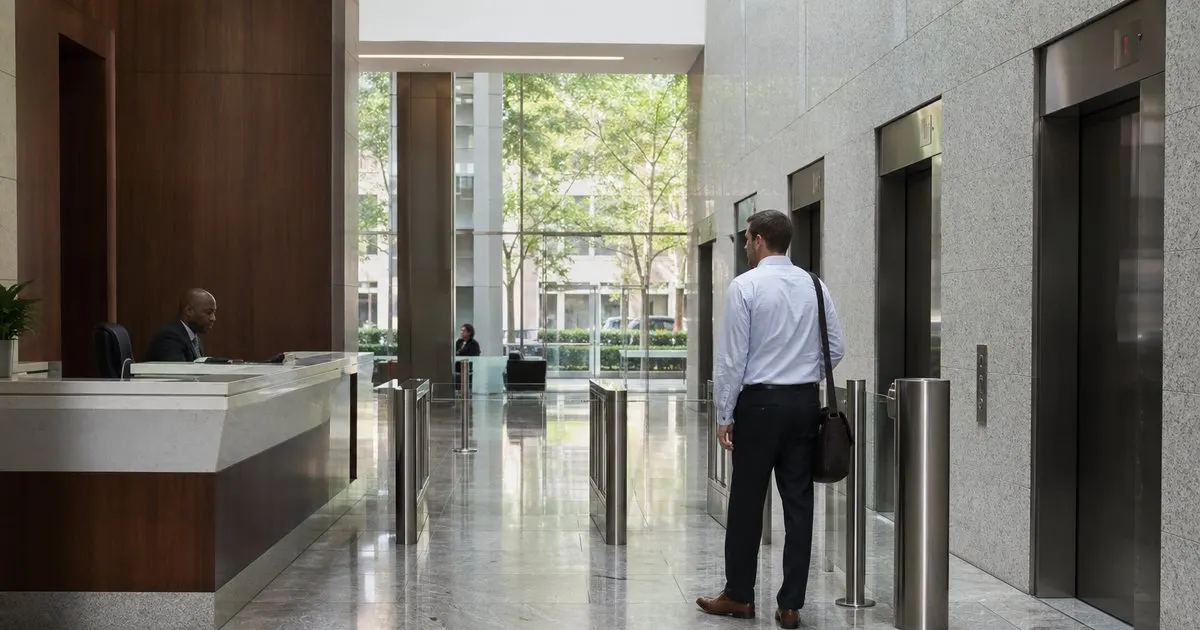
The first question in a shared building is not which tablet to buy but who is responsible for visitors. In some buildings the property manager runs a security desk and every visitor checks in there, gets a badge, and is sent up. In others, the lobby is unstaffed and each tenant handles its own arrivals at its own suite door. Many buildings are a mix, with a desk that covers business hours and tenants on their own after six. Until this is clear, any sign-in system will have gaps where each party assumes the other is handling it. Related: How does a tablet visitor sign-in system improve front desk security?
A useful way to settle it is to write down, for each hour of the week, who greets the visitor, who verifies they are expected, who issues the badge, who notifies the tenant host, and who signs them out. If the answer for any row is nobody, that is a gap. If the answer for any row is both the building and the tenant, that is duplicate effort the visitor will feel as being asked the same questions twice, which is the most common complaint in shared lobbies.
Keep reading: How does a tablet visitor sign-in system improve front desk security?, What information should a visitor management log capture for compliance audits?, Why do modern offices replace paper visitor books with digital check-in?. See how LobbySignr helps you visitor lobby sign-in and host notifications.
Routing visitors to the right tenant
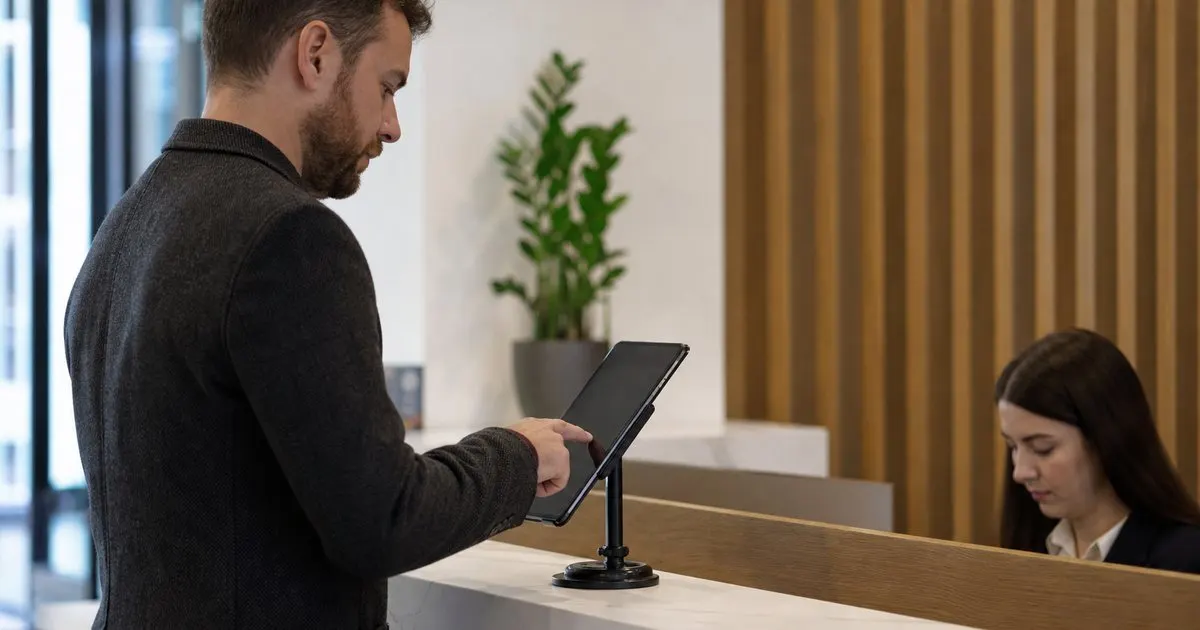
The shared kiosk or desk needs to route the visitor to a specific host inside a specific tenant without exposing every tenant's full directory to every stranger. The usual approach is a first screen that asks which company the visitor is here to see, followed by a host search scoped to that company. Tenants should be able to maintain their own host lists, because the building manager will not know when someone leaves a tenant company. Where the building runs one shared system, each tenant should have its own view, its own hosts, and its own visitor log, with the building seeing an aggregate for security purposes.
Notification routing follows the same logic. When a visitor checks in for a tenant, the tenant host gets the notification, not the building. The building desk may want a copy for awareness, but the person who comes down to the lobby is the host. Where tenants want different notification channels, a text for one company and a chat message for another, the system should allow that rather than forcing one channel on everyone. This is the point where a single shared setup either flexes to fit each tenant or becomes something tenants quietly work around.
Access control, elevators, and badges
In buildings with turnstiles or elevator access control, sign-in and access need to talk to each other, or the desk becomes a bottleneck where every visitor waits for a guard to swipe them through. The cleanest arrangement is a visitor badge or a temporary credential that is issued at check-in and works only for the floor the visitor is going to, for the duration of the visit. Where that integration is not available, the fallback is an escort rule: the host comes down and brings the visitor up, which also happens to be good hospitality. Related: Why do modern offices replace paper visitor books with digital check-in?
Badges in a shared lobby should show the tenant name as well as the visitor name and date, so that a badge for one company does not look like a pass to the entire building. Color coding by tenant or by floor is a low-tech addition that lets a security guard spot someone on the wrong floor at a glance. Keep the badge design consistent across tenants so it is recognizable, and make sure tenants know the badge is not a substitute for their own suite door being locked. Related: When should your office print visitor badges instead of using handwritten stickers?
Data ownership and what each party can see
Visitor records in a shared building raise a question that single-tenant offices never face: who owns the data? A tenant may need its visitor log for its own compliance, and it does not want the building or other tenants seeing who visits its offices. The building may need a roster of everyone on site for evacuation. Both are legitimate, and the system should separate them, with tenant-level logs that only the tenant can see and a building-level roster that shows names and floors without visit purposes or host details. Related: What information should a visitor management log capture for compliance audits?
Put the arrangement in writing. A short data agreement between the building and each tenant that covers who can see what, how long records are kept, and who responds to a visitor asking for their data to be deleted saves arguments later. It also helps when a tenant leaves, because their visitor history should go with them or be deleted, not remain in a shared system for the next occupant of the suite to stumble on.
- Write down who greets, verifies, badges, notifies, and signs out visitors for every hour of the week.
- Route visitors by tenant first, then host, and let each tenant maintain its own directory.
- Tie badges or temporary credentials to a floor and a time window, or require host escort.
- Separate tenant visitor logs from the building-wide evacuation roster and put data terms in writing.

Julien Jimenez
Julien Jimenez is an independent software builder based in Paris. He designs, ships, and operates focused SaaS products for small businesses and independent professionals. Read the full author page.
Welcome Every Visitor With Confidence
Visitor lobby sign-in and host notifications. LobbySignr is built to help you put this into practice.
Start free trialMore from the LobbySignr blog


Get the LobbySignr playbook
Practical guides on visitor management, straight to your inbox as we publish them. No spam, unsubscribe any time.