How do you handle visitor check-in when nobody is staffing the front desk?
Plenty of small offices have no receptionist, or have one who steps away often. Here is how to keep visitors moving and the door secure when the desk is empty.
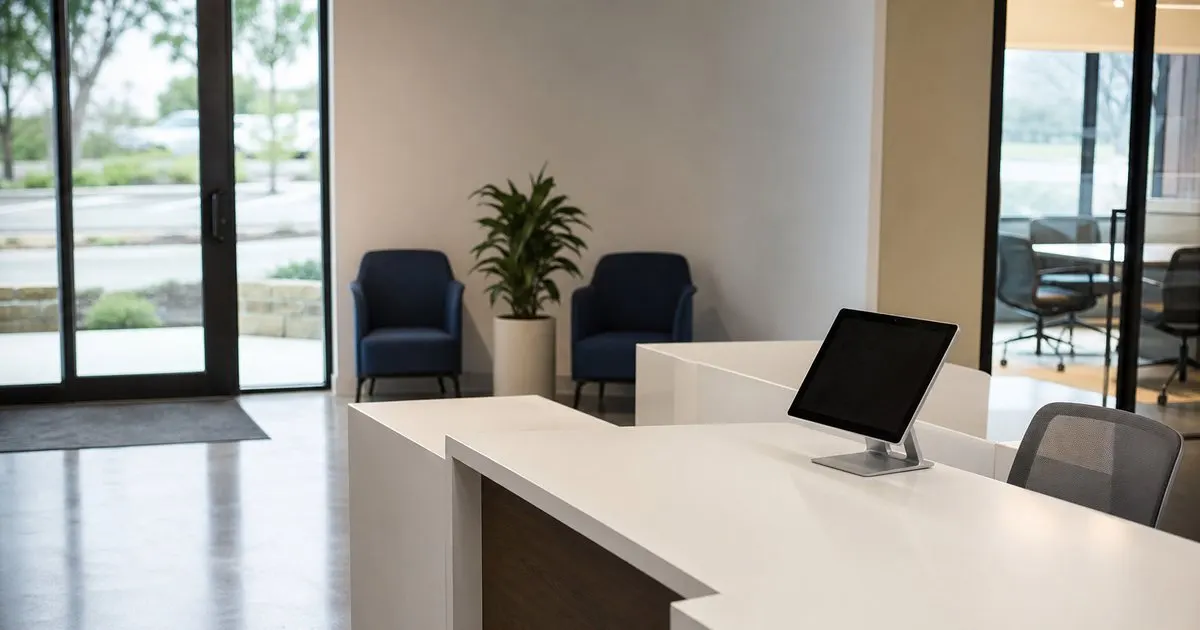
The two problems an empty desk creates
When the desk is empty, two things go wrong at once. The first is service: a visitor walks in, sees nobody, and does not know whether to sit, call out, wander into the office, or leave. The second is security: the same visitor could walk past the desk into a space where laptops, files, and people are, and nobody would know they were there. Most small offices solve the first problem informally, with whoever sits closest to the door getting up, and ignore the second one entirely until something goes missing. Related: How does a tablet visitor sign-in system improve front desk security?
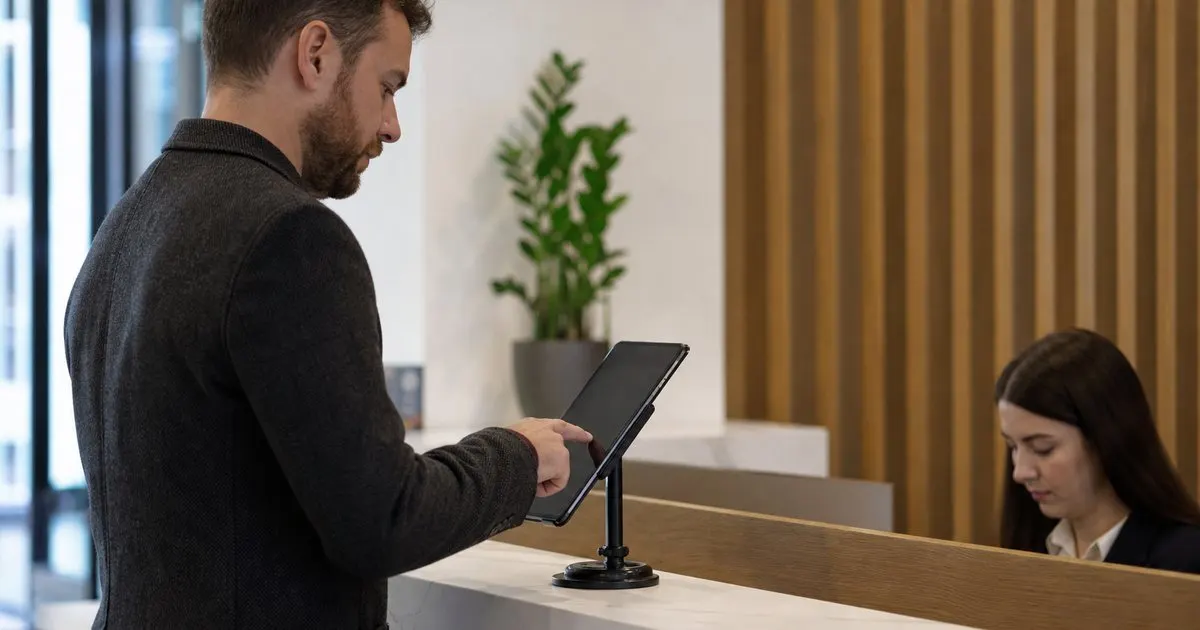
A self-service check-in setup addresses both. The visitor has an obvious thing to do when they arrive, which is to tap the screen and enter their name. The host gets a notification and comes to collect them. Meanwhile the visit is recorded with a time and a host, so there is a trail even if nobody was watching. This does not replace a locked interior door, but it does replace the vague hope that someone will notice a stranger. Related: What information should a visitor management log capture for compliance audits?
Keep reading: How does a tablet visitor sign-in system improve front desk security?, What information should a visitor management log capture for compliance audits?, Why do modern offices replace paper visitor books with digital check-in?. See how LobbySignr helps you visitor lobby sign-in and host notifications.
Setting up self check-in that actually works unattended
The kiosk needs to be impossible to miss. Put it where the visitor's eye lands when they walk in, at standing height, with a short, clear prompt on the welcome screen. If the office has an interior door that stays locked, the kiosk goes outside it, in the vestibule or lobby, with a way for the host to let the guest in. Make the flow as short as possible: name, company, who they are visiting, done. Every extra field on an unattended kiosk is a place where a confused visitor gives up and starts knocking on the glass. Related: Why do modern offices replace paper visitor books with digital check-in?
Host selection is the step that usually breaks. If the visitor has to pick a host from a list of forty names with no photos, they will pick wrong or give up. Better options are a search box that matches on first or last name, a short list of the most common hosts, or a fallback such as a general office contact who agrees to respond when nobody specific is selected. Test this with someone who has never seen the office directory, not with a coworker who knows everyone.
Making sure someone actually responds
A notification nobody reads is the same as no notification. Decide who is on the hook when the desk is empty and make it explicit. In a small office this is often a rotating duty, or a rule that the host is always responsible and a named backup covers if the host does not acknowledge within a few minutes. Notifications should go to more than one channel, such as a chat message plus a text, because a host in a meeting may see one and not the other. Escalation to a backup after a short delay is the feature that keeps a visitor from sitting alone for twenty minutes. Related: When should your office print visitor badges instead of using handwritten stickers?
Put a phone number or a doorbell-style button at the desk as well. Some visitors, especially older ones or delivery drivers in a hurry, will not use a tablet, and a sign that says to call a number is a reasonable fallback. The number should ring somewhere that is answered. If you use a shared line, make sure it is not routed to a voicemail box nobody checks. Test the whole path once a month by having someone unfamiliar with the office walk in and try to reach a host.
Deliveries, contractors, and the stranger problem
Deliveries are the most common unattended arrival, and they rarely want to talk to anyone. A simple delivery option on the kiosk that records the carrier and notifies a mailroom contact or office manager is enough, along with a clearly marked drop-off spot. For contractors who need to enter the space, an unattended desk is not a good idea without a pre-registration record that tells the kiosk they are expected, and ideally someone meets them. An unstaffed lobby should never be the only barrier between an unknown contractor and the office floor.
For the rare stranger who ignores the kiosk and walks in, the answer is the same as everywhere else: a locked interior door and a culture where employees ask unfamiliar people who they are there to see. The kiosk supports that culture by making it normal for every visitor to have a badge. When everyone in the space is either a known employee or wearing a visitor badge, someone with neither stands out, and asking is easy rather than awkward.
- An empty desk creates a service problem and a security problem, and self check-in addresses both.
- Keep the unattended flow to name, company, and host, with host search that works for strangers.
- Name a backup responder and escalate notifications so a guest is never left waiting silently.
- Pair the kiosk with a locked interior door and a badge habit so unknown people stand out.

Julien Jimenez
Julien Jimenez is an independent software builder based in Paris. He designs, ships, and operates focused SaaS products for small businesses and independent professionals. Read the full author page.
Welcome Every Visitor With Confidence
Visitor lobby sign-in and host notifications. LobbySignr is built to help you put this into practice.
Start free trialMore from the LobbySignr blog

Get the LobbySignr playbook
Practical guides on visitor management, straight to your inbox as we publish them. No spam, unsubscribe any time.