How do you make lobby sign-in accessible for visitors with disabilities or limited English skills?
Kiosk height, glare, tap targets, required fields, and language options decide who can sign themselves in. A practical setup guide, plus the human path that has to stay open when self-service does not work.
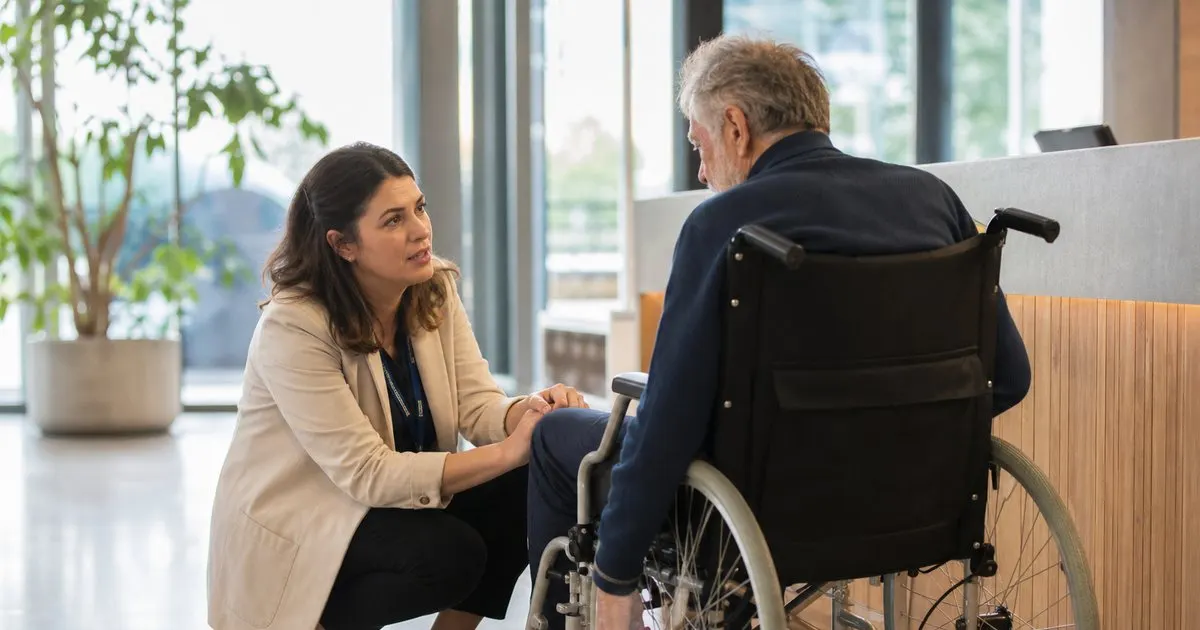
The Visitors a Self-Service Kiosk Quietly Turns Away
A lobby kiosk works well for one specific person: a healthy adult who is comfortable with touchscreens and reads English quickly. Everyone else meets friction. A wheelchair user cannot reach a screen mounted at standing height. A visitor with low vision squints at pale gray text on a white background. Someone with a tremor keeps missing a small checkbox. A deaf visitor never hears the receptionist calling from behind a counter. A contractor whose first language is Spanish is asked to accept a safety notice written in legal English.
None of these are edge cases at a front desk, because a lobby sees the whole population rather than a filtered user base. You get elderly parents, delivery drivers with a package under one arm, and job candidates who are nervous and will not ask for help under any circumstances. The honest test costs nothing: stand behind the desk for one busy morning and count how many people hesitate, look around, or wait to be rescued. That count is your accessibility backlog, and it is usually larger than anyone expects. Related: How does a tablet visitor sign-in system improve front desk security?
Keep reading: How does a tablet visitor sign-in system improve front desk security?, What information should a visitor management log capture for compliance audits?, Why do modern offices replace paper visitor books with digital check-in?. See how LobbySignr helps you visitor lobby sign-in and host notifications.
Physical Setup: Height, Reach, Glare, and Room to Turn
Mounting is where most lobbies fail first. The ADA Standards for Accessible Design set reach ranges and clear floor space for operable parts, and the commonly cited figures put the maximum unobstructed forward or side reach at 48 inches above the floor, with a minimum around 15 inches and a clear floor space of roughly 30 by 48 inches for approach. Check the current standards against your own building rather than trusting the stand you were sold, because plenty of kiosk stands ship at counter height and quietly put the screen out of reach.
Glare is the second problem and it is free to fix. A tablet facing a glass entrance washes out for a few hours a day, which pushes visitors to tilt, lean, shade the screen with a hand, or give up. Walk the lobby at three different times of day before you drill anything, angle the screen away from the window, and leave clear counter space beside the kiosk. If your check-in flow needs both hands, visitors need somewhere to set down the coffee, the bag, or the package they walked in holding. Related: How can host notifications reduce lobby wait times for arriving business guests?
Interface Choices That Cut the Number of Steps
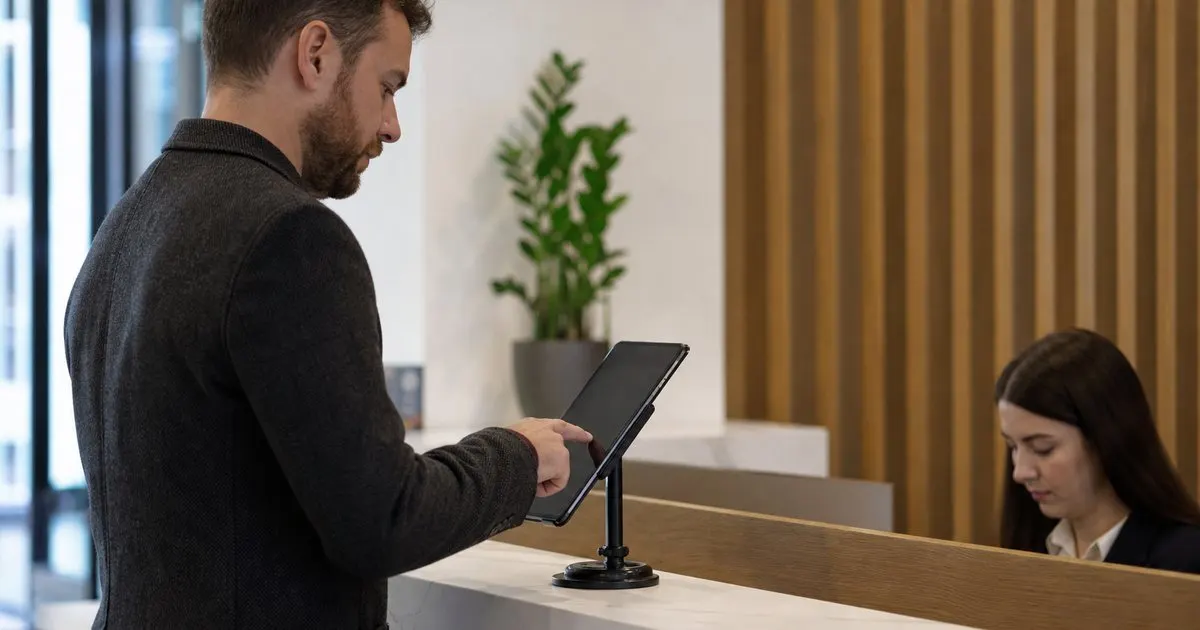
Every required field is a barrier for someone. Ask for the visitor name, the host, and the reason if you genuinely need it, then make the rest optional or delete it. Use large tap targets, real contrast instead of light gray on white, plain wording instead of legal phrasing, and no timeout that clears a half-typed form while somebody is finding their reading glasses. Put the language choice on the very first screen rather than in a settings menu, and translate the entire flow, including the safety notice and the checkout step. Related: When should your office print visitor badges instead of using handwritten stickers?
Signature and photo steps deserve extra care. A signature drawn with a finger on glass is hard for anyone with limited dexterity, so accept a typed name where your counsel allows it and keep a paper alternative for the rest. If you capture photos, let a visitor decline without being blocked, and confirm the camera framing works for someone seated rather than standing. Test that with a real person in a wheelchair before you decide the angle is fine, because a fixed camera aimed at standing height simply crops seated visitors out. Related: What information should a visitor management log capture for compliance audits?
Keep a Human Path Open and Make It Feel Normal
No interface removes the need for a person. Put a visible call button or a simple bell within reach at seated height, route it to a phone or a chat that a named person actually watches, and give staff a way to complete a sign-in on a visitor's behalf from their own device. That assisted path has to produce the same record as the kiosk. If it does not, your visitor log and your evacuation roster will be missing precisely the people who would need the most help getting out of the building.
Tone matters as much as the mechanics. Train staff to offer help before anyone has to ask for it, to speak facing the visitor so lip reading stays possible, to avoid looming over a seated person, and never to narrate the assistance to the rest of the lobby. Then close the loop: ask two or three visitors a month whether anything felt awkward. Real feedback from your own lobby beats any checklist, and it usually points at something small, like a stand two inches too high or a call button nobody can see.
- Check ADA reach ranges and clear floor space before bolting a kiosk stand to a counter or wall.
- Fix glare and leave open counter space, because visitors arrive with their hands already full.
- Cut required fields, raise contrast, remove form timeouts, and put the language choice on the first screen.
- Keep an assisted check-in that writes the same record, and train staff to offer help before it is requested.

Julien Jimenez
Julien Jimenez is an independent software builder based in Paris. He designs, ships, and operates focused SaaS products for small businesses and independent professionals. Read the full author page.
Welcome Every Visitor With Confidence
Visitor lobby sign-in and host notifications. LobbySignr is built to help you put this into practice.
Start free trialMore from the LobbySignr blog

Get the LobbySignr playbook
Practical guides on visitor management, straight to your inbox as we publish them. No spam, unsubscribe any time.