What should a front desk do when the lobby sign-in tablet loses internet during check-in?
Wifi and power failures hit lobbies more often than provider outages. Here is what actually stops working, the one-page fallback to keep in the reception drawer, and how to clean up the visitor log afterward.
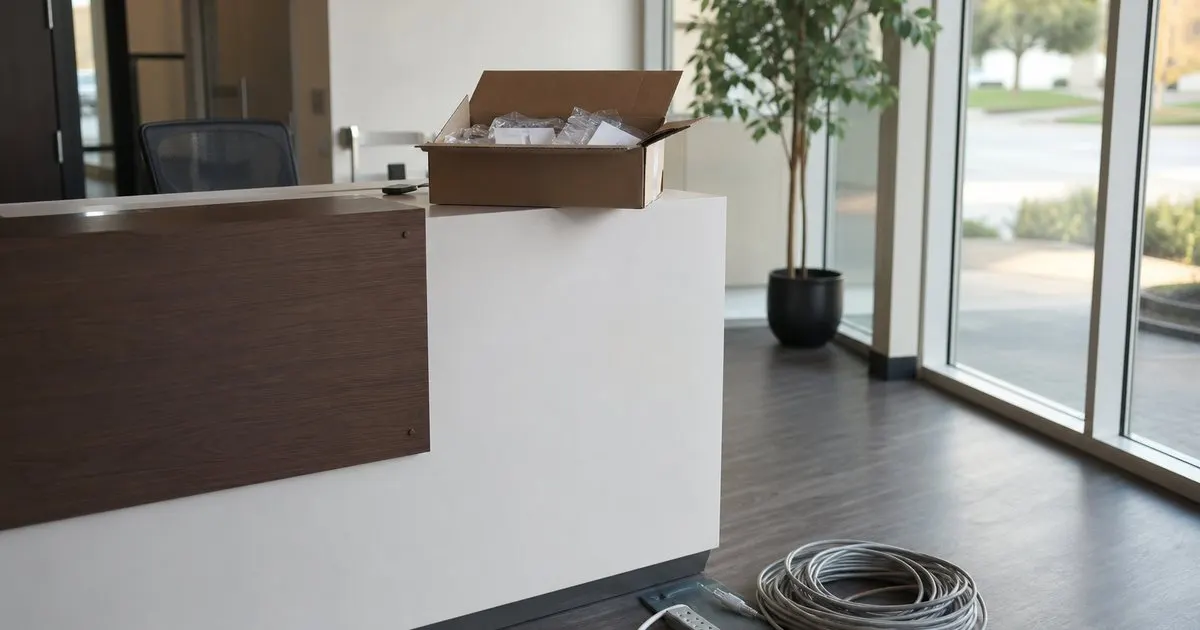
What Actually Breaks When the Tablet Loses Its Connection
Not everything fails at once, and that distinction is the whole job. Most lobby sign-in apps cache the form and the host directory on the device, so a visitor can usually still type a name and a reason for the visit. What stops is anything that has to leave the building: host notifications by text or email, cloud badge printing where the print job is generated on a server, checks against a hosted list, and the live roster other people rely on. Knowing which half is still alive tells you what to do in the next thirty seconds. Related: When should your office print visitor badges instead of using handwritten stickers?
The second failure people forget is the printer. Many badge printers connect over wifi to the same access point the tablet uses, so a local network problem takes both down even though the internet line may be perfectly healthy. Test the two cases separately before you write any procedure. Unplug the modem to simulate a dead provider link, then power off the access point to simulate a local network failure. The lobby behaves very differently in each case, and your fallback sheet should name both instead of pretending there is one generic outage.
Keep reading: How does a tablet visitor sign-in system improve front desk security?, What information should a visitor management log capture for compliance audits?, Why do modern offices replace paper visitor books with digital check-in?. See how LobbySignr helps you visitor lobby sign-in and host notifications.
A Fallback the Person at the Desk Can Run in Under a Minute
Write one page, laminate it, and tape it inside the reception drawer. It should say, in order: keep letting people sign in on the tablet if the form still loads, call the host from the desk phone using the printed directory, hand out a pre-printed generic visitor badge with the date written on it, and use the paper sheet only if the tablet form itself is dead. The order matters, because the biggest risk during an outage is a receptionist deciding to freeze the lobby entirely and turning a five minute network fault into a line of annoyed guests. Related: How does a tablet visitor sign-in system improve front desk security?
Keep the physical supplies with the sheet: a printed host list with desk and cell numbers, a stack of blank badges, a marker, and a clipboard. Refresh that host list whenever someone joins or leaves, which in practice means a recurring calendar reminder every quarter. Teams that skip this end up with a fallback that technically exists but points at three people who left the company, which is worse than having no list at all, because it burns several minutes before anyone at the desk is willing to admit the paper is wrong.
Hardware and Network Choices That Prevent Most Outages
In our experience the common lobby outage is power or wifi, not the provider. Put the router, the switch, and the badge printer on a small uninterruptible power supply, which typically buys enough runtime to ride out the brief drops that reset equipment and leave a kiosk stranded. Give the tablet a charging cable that stays plugged in rather than one a visitor can borrow for a phone. If the kiosk sits far from the access point, run a cable to a dedicated access point in the lobby instead of hoping the signal reaches through a glass wall.
Keep the kiosk off the guest network. Guest networks are the first thing that gets rate limited, reconfigured, or rotated, and a captive portal that quietly logs the tablet out overnight is a common reason a lobby is dead at 8am. A cellular fallback, either a data plan on the tablet or a small hotspot on a shelf, is cheap insurance for a device whose entire job is to be reliable for five minutes at a time, several times a day. Treat that fallback as an internet-facing device and lock the tablet into single app mode. Related: How can host notifications reduce lobby wait times for arriving business guests?
Getting Clean Records Once the Connection Comes Back
When the network returns, queued entries sync, and that is where duplicates appear. A visitor who signed in, got no host notification, waited, then signed in again because nothing happened will show up twice. Review the day's log within the hour, merge or void the obvious duplicates, and transcribe paper entries with the real arrival time rather than the moment you typed them in. A log showing fourteen people who all arrived at 4:52pm is useless in an audit and actively dangerous if anyone ever tries to use it during an evacuation. Related: What information should a visitor management log capture for compliance audits?
Then close the loop on sign-outs. Visitors who arrived during the outage often never got signed out, because the exit tablet was down too or the paper sheet had no checkout column. Fill in the times you can actually verify, mark the rest as unverified instead of guessing, and add two sentences about what failed. Three of those notes over a year will tell you whether the real cause is the access point, the power strip, or the provider, and that record is usually the only way to get the fix approved.
- Cached sign-in forms often keep working offline; host notifications, cloud printing, and the live roster are what stop.
- Keep a laminated one-page fallback, a current printed host directory, and blank badges in the reception drawer.
- Put the router, switch, and printer on a UPS, and never run the lobby kiosk on the guest wifi network.
- Reconcile within an hour of recovery: merge duplicate entries, correct arrival times, and mark unverified sign-outs.

Julien Jimenez
Julien Jimenez is an independent software builder based in Paris. He designs, ships, and operates focused SaaS products for small businesses and independent professionals. Read the full author page.
Welcome Every Visitor With Confidence
Visitor lobby sign-in and host notifications. LobbySignr is built to help you put this into practice.
Start free trialMore from the LobbySignr blog


Get the LobbySignr playbook
Practical guides on visitor management, straight to your inbox as we publish them. No spam, unsubscribe any time.