How much of the sign-in process should repeat visitors be allowed to skip?
Regular visitors, from the weekly bookkeeper to the client who comes in every month, resent re-entering the same details. Here is how to speed them up without turning the front desk into a formality.
The case for a faster path
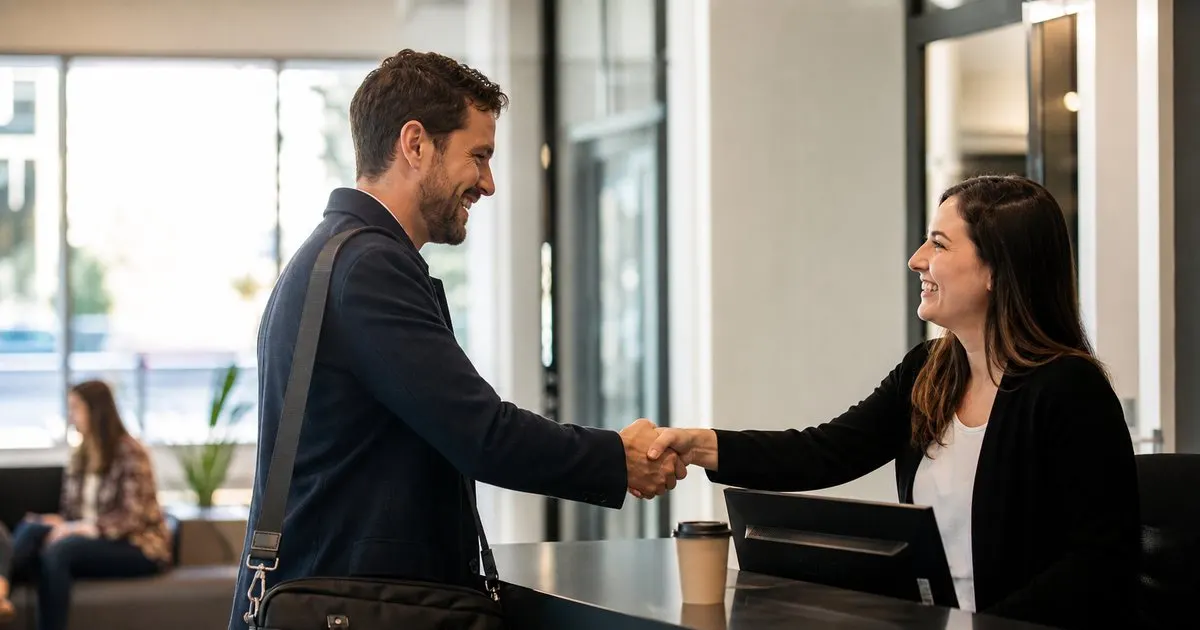
Every office has regulars: the outsourced accountant who comes in on Tuesdays, the cleaning supervisor, the sales rep from a key supplier, the board member who visits monthly. Asking these people to type their full name, company, phone, and host every time, and to re-sign an agreement they signed last week, sends a message that the system matters more than the person. It also slows the lobby for everyone behind them. A returning visitor should be recognized, greeted, and moving within a few seconds. Related: How does a tablet visitor sign-in system improve front desk security?
The speed is not only a courtesy. Regulars who find the kiosk tedious start skipping it, walking past the desk with a wave, and that is when the visitor log stops being reliable. The way to keep regulars in the log is to make it faster to check in than to skip. Recognition by name search, a returning-visitor code, or a stored profile does exactly that, and it keeps the record complete for the days when completeness suddenly matters.
Keep reading: How does a tablet visitor sign-in system improve front desk security?, What information should a visitor management log capture for compliance audits?, Why do modern offices replace paper visitor books with digital check-in?. See how LobbySignr helps you visitor lobby sign-in and host notifications.
What can safely be skipped
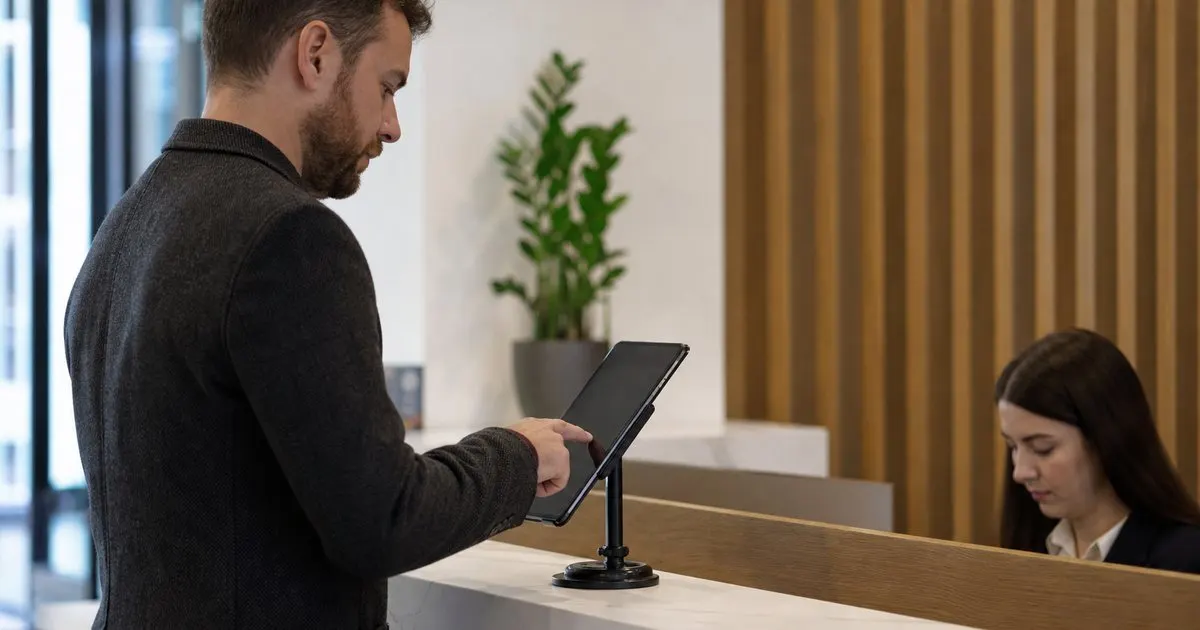
Data entry is the first thing to drop. Once a visitor has a profile, the kiosk should let them find it with a few characters of their name or a scan of a code from their previous badge or email, then confirm with a single tap. Company, contact details, and default host can all be prefilled. Agreements that are still within their validity period can be skipped. A visitor photo can be reused if it is recent, though many offices prefer to refresh it periodically because appearances change and an old photo weakens the badge check. Related: Why do modern offices replace paper visitor books with digital check-in?
What should not be skipped is the record itself. Every visit still creates a timestamped entry with a host and a sign-out, because the value of the log is in knowing who was in the building on a given day, and a regular is as relevant to that question as a stranger. The host notification should also still go out. Even a visitor who knows the way to the conference room should be expected by someone, both for hospitality and so that a regular whose relationship with the company has ended does not keep showing up unnoticed.
Where to draw the security line
The security decision is whether recognition alone is enough to admit the person. In a low-risk office with an open floor, a returning visitor who confirms their profile and gets a badge is fine. In an office with sensitive areas, the regular still needs the same checks as anyone else, such as a badge with a fresh photo, a host meeting them, and access limited to the areas their visit requires. The shortcut should reduce typing, not reduce verification. A profile is a convenience record, not an identity credential. Related: When should your office print visitor badges instead of using handwritten stickers?
Regulars also need an expiry. A contractor who worked on site for six months should not be able to walk in with a one-tap check-in a year after the engagement ended. Set profiles to lapse after a period without a visit, and have the host or an office manager confirm that a long-absent regular is still expected before the express path is reactivated. Review the list of active regulars a couple of times a year and remove anyone whose relationship with the company has changed. Related: How can host notifications reduce lobby wait times for arriving business guests?
Making the express path feel intentional
The best express check-in feels like being recognized, not like being processed faster. A welcome-back message with the visitor's first name, a badge that prints without a wait, and a receptionist who knows the person's usual host all contribute. Where the receptionist is present, the kiosk can be secondary: the receptionist looks up the profile and checks the visitor in while chatting. Where the desk is unstaffed, the kiosk should make the returning-visitor option obvious on the first screen rather than hiding it behind the full form.
Ask the regulars how it feels. They are the visitors most likely to notice friction and most likely to tell you if you ask. A weekly visitor who says the code scan never works on the first try, or that the badge printer is slow, is giving you free quality assurance. Fix the small things, and the express path becomes something regulars mention approvingly to your team, which is a better outcome than most lobby technology ever achieves.
- Regulars should be recognized and moving within seconds, or they will start skipping the desk.
- Skip re-entering details and re-signing valid agreements, but never skip the visit record or host notification.
- Reduce typing, not verification: a profile is a convenience, not a credential.
- Expire inactive profiles and review the list of regulars so former relationships do not keep their shortcut.

Julien Jimenez
Julien Jimenez is an independent software builder based in Paris. He designs, ships, and operates focused SaaS products for small businesses and independent professionals. Read the full author page.
Welcome Every Visitor With Confidence
Visitor lobby sign-in and host notifications. LobbySignr is built to help you put this into practice.
Start free trialMore from the LobbySignr blog


Get the LobbySignr playbook
Practical guides on visitor management, straight to your inbox as we publish them. No spam, unsubscribe any time.