What are the best practices for handling contractor and delivery sign-ins at an office?
How to manage the visitors who are not there for a meeting but still need tracking.
Sort visitor type at the start so contractors, couriers, and guests each follow the right flow. Have contractors acknowledge a safety briefing and note their work area and duration, keep delivery sign-ins short by capturing carrier and recipient, and record every type in one searchable log you can filter later.

Not all visitors are the same
A contractor, a courier, and a client each need a different flow. Treating them identically slows everyone down and captures the wrong details.
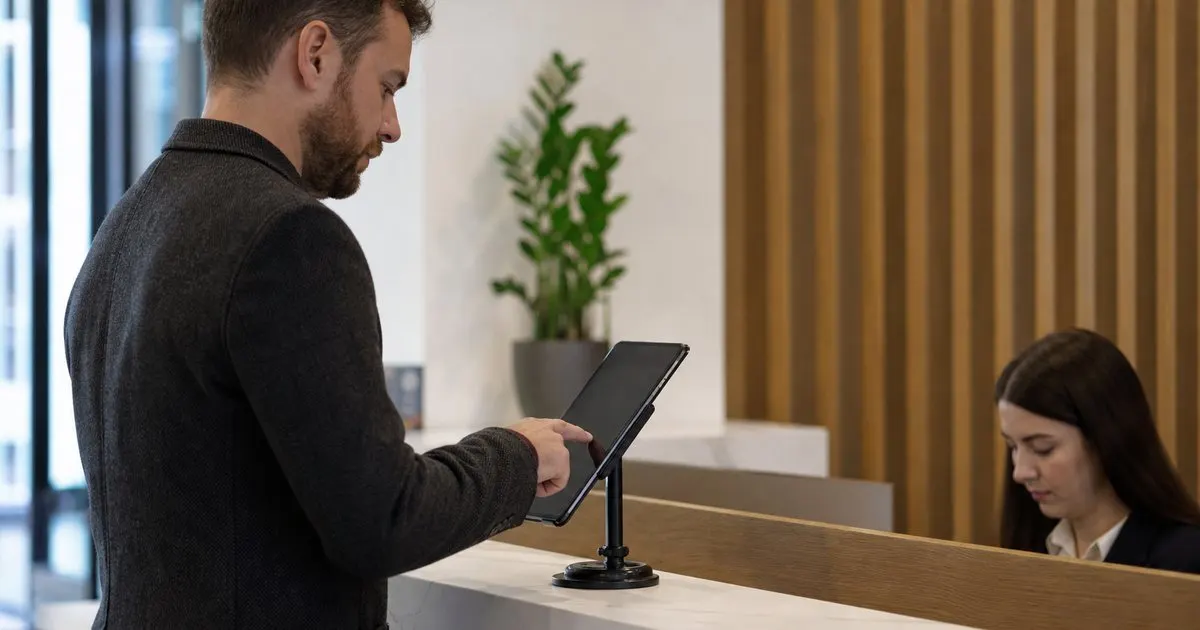
Sorting visitor type at the start makes the rest of the sign-in relevant. Related: How does a tablet visitor sign-in system improve front desk security?
Keep reading: How does a tablet visitor sign-in system improve front desk security?, What information should a visitor management log capture for compliance audits?, Why do modern offices replace paper visitor books with digital check-in?. See how LobbySignr helps you visitor lobby sign-in and host notifications.
What to ask contractors
Contractors often need to acknowledge a safety briefing and note the area they are working in. Capturing that up front protects both sides. Related: What should a receptionist do when a visitor matches an internal watchlist at check-in?
Recording their company and expected duration helps you know who is on site and why.
Keeping deliveries quick
Couriers should be in and out fast, so a short flow that captures the carrier and the recipient is enough. Do not make them fill a full visitor form. Related: How do you make lobby sign-in accessible for visitors with disabilities or limited English skills?
A quick alert to the recipient gets the package moving right away.
One log for everyone
Even quick delivery stops belong in the same log as meetings, so your record is complete. Everyone who entered is accounted for.
Filtering by visitor type later lets you review each category on its own.
- Route contractors, couriers, and guests through different flows
- Capture safety acknowledgments from contractors
- Keep delivery sign-ins short and fast
- Record every visitor type in one searchable log

Julien Jimenez
Julien Jimenez is an independent software builder based in Paris. He designs, ships, and operates focused SaaS products for small businesses and independent professionals. Read the full author page.
Frequently asked questions
Why route contractors and couriers through different flows?
Each needs different details, and treating them identically slows everyone down while capturing the wrong information. Sorting visitor type at the start makes the rest of the sign-in relevant.
Should quick deliveries go in the same log as meetings?
Yes. Even a fast courier stop belongs in the same log so your record is complete and everyone who entered is accounted for. You can filter by visitor type later to review each category.
Welcome Every Visitor With Confidence
Visitor lobby sign-in and host notifications. LobbySignr is built to help you put this into practice.
Start free trialMore from the LobbySignr blog


Get the LobbySignr playbook
Practical guides on visitor management, straight to your inbox as we publish them. No spam, unsubscribe any time.